فرها را پیش از تعهد پیشنمایش کن
ببین موی فر چطور به نظر میرسد روی چهرهات
فر شدن یک تغییر بزرگ است — بهخصوص با پرم. فرهای باز، حلقههای تنگ، موجهای ساحلی و بیشتر را روی عکس خودت پیشنمایش کن تا پیش از نشستن روی صندلی سالن، دقیقاً بدانی چه انتظاری داشته باشی.
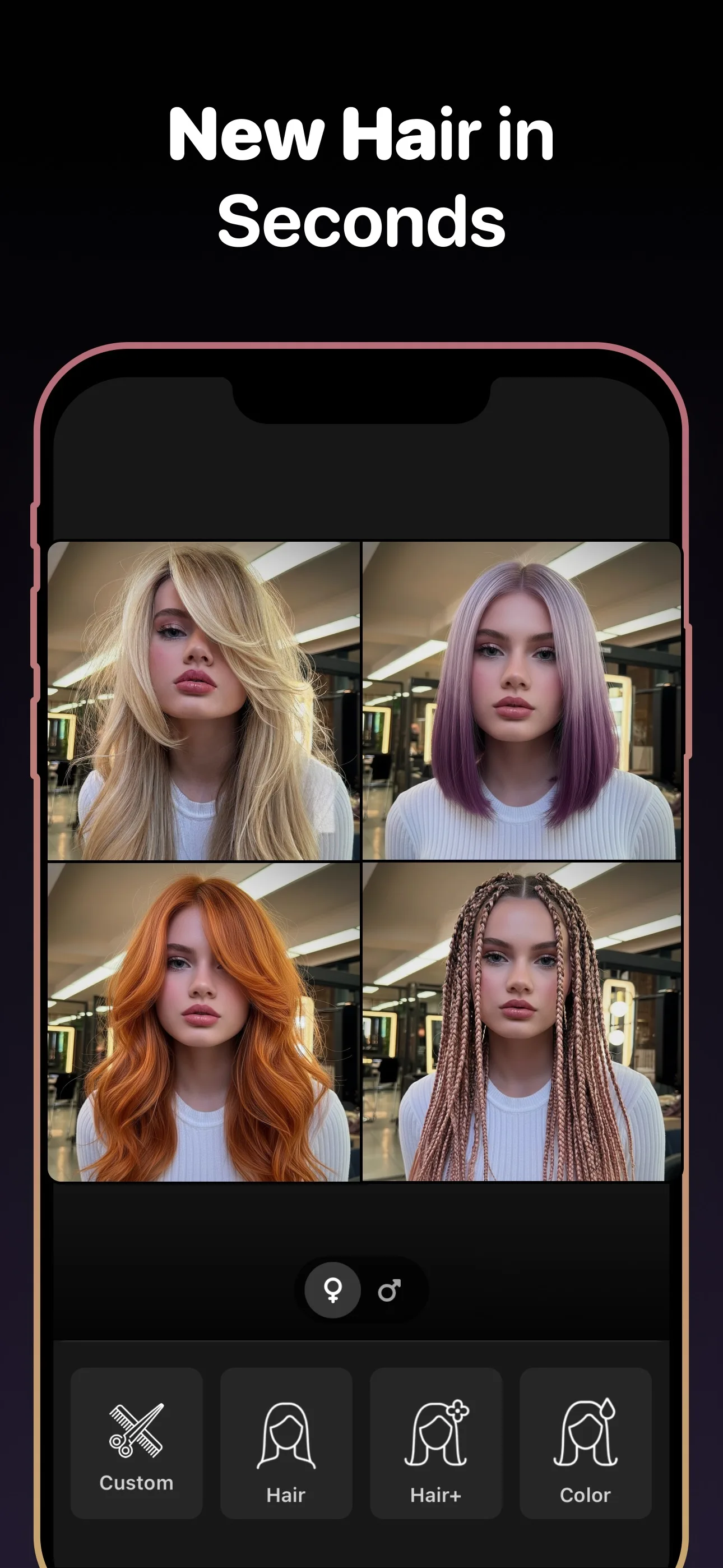
قبل از امتحان، برنامه را ببینید
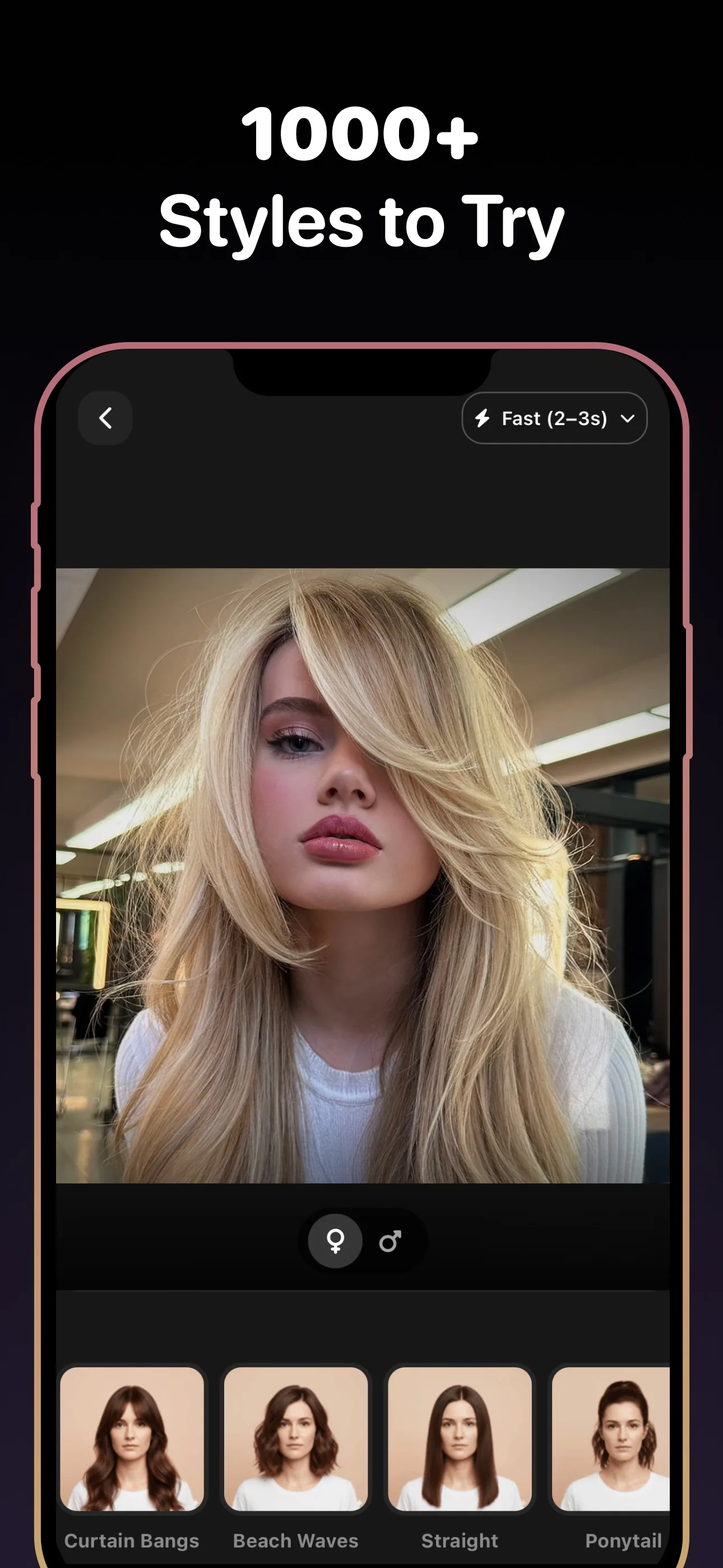
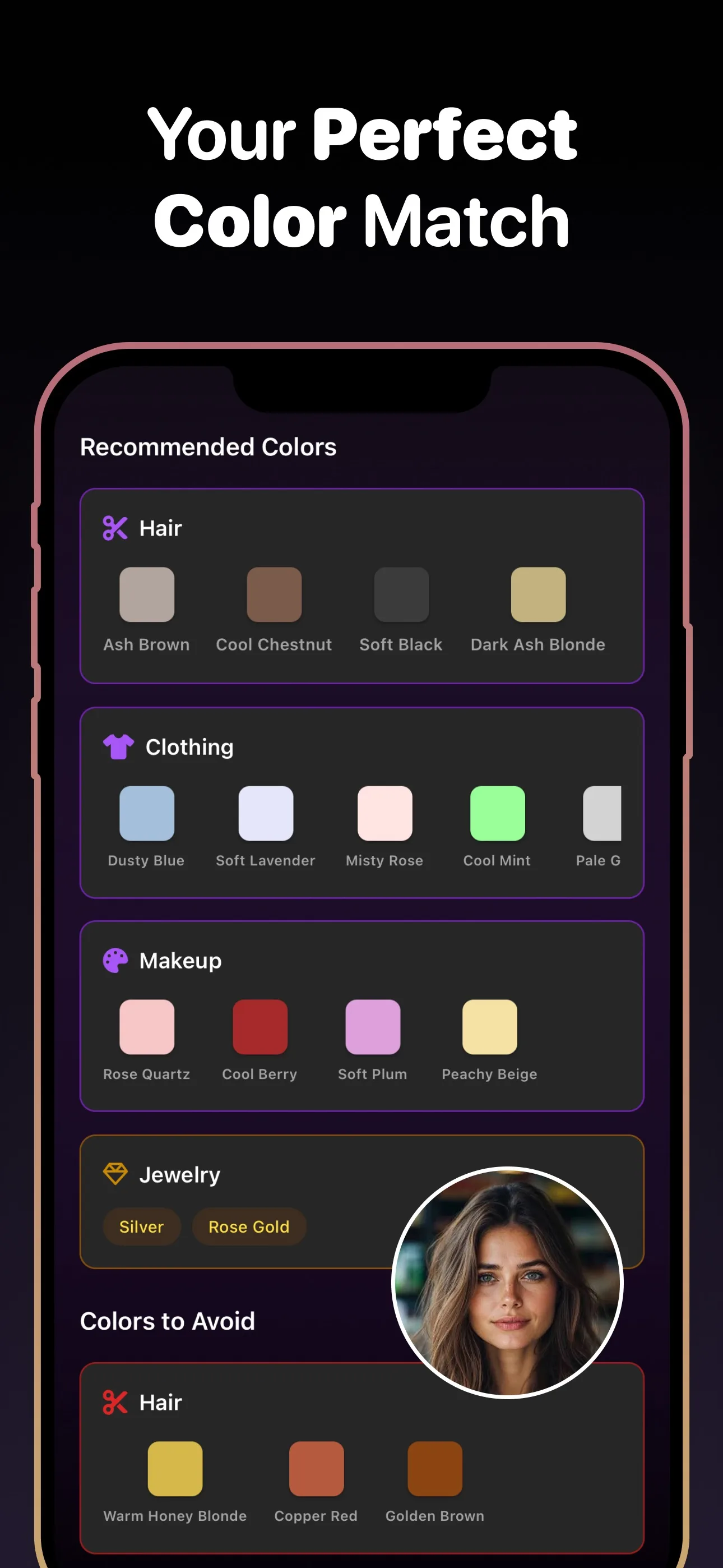
- مدل برای امتحان
- +۸۹
- رنگ مو
- +۳۰
- برای دانلود
- رایگان
موارد استفاده
مدلهای فر برای امتحان
- فرهای باز
- فرهای تنگ
- موجهای ساحلی
- پرم
- حلقههای ریز
- بافت مجعد
چرا مهم است
چرا موی فر را پیش از تعهد پیشنمایش کنی
پرم را سخت میشود برگرداند
پرم بهصورت شیمیایی ساختار مویت را تغییر میدهد و ماهها دوام میآورد. اول دیدن الگوی فر روی چهرهات کمکت میکند تصمیم بگیری آیا ارزش تعهد را دارد.
نوع فر کل ظاهر را تغییر میدهد
موجهای باز و حلقههای تنگ تأثیرهای کاملاً متفاوتی میگذارند. امتحان هر دو روی عکست کمکت میکند شدت فر درست را انتخاب کنی.
ببین فرها چطور صورتت را قاب میکنند
موی فر حجم اضافه میکند و قاب چهره را بهشدت تغییر میدهد. یک پیشنمایش نشان میدهد آیا فرها مکمل اجزای صورتت هستند یا آنها را تحتالشعاع قرار میدهند.
آنچه باید قبل از تصمیم بدانید
امتحان موی فر وقتی ضروری است که به پرم فکر میکنی
گرفتن پرم یکی از ماندگارترین تغییرات بافتی است که میتوانی انجام دهی. برخلاف یک اصلاح که در چند هفته بلند میشود، پرم موهایت را برای ماهها بازآرایی میکند. امتحان موی فر میگذارد الگوهای مختلف فر را روی چهره خودت پیشنمایش کنی تا بتوانی نتیجه دقیقی را که میخواهی با آرایشگرت در میان بگذاری.
انواع مختلف فر را پیش از انتخاب مقایسه کن
همه فرها یکسان نیستند. موجهای ساحلی راحت و باز حس میشوند، در حالی که حلقههای تنگ حجم و درام بیشتری میسازند. از ابزار امتحان استفاده کن تا چند گونه فر بسازی و آنها را کنار هم مقایسه کنی — تفاوتها روی عکس خودت بسیار آسانتر از یک کاتالوگ مدل دیده میشوند.
پرسشهای متداول
آیا میتوانم ببینم با موی فر چطور به نظر میرسم؟
بله. یک سلفی آپلود کن و AI یک پیشنمایش واقعبینانه از چهرهات با انواع مختلف فر تولید میکند، از موجهای نرم تا حلقههای تنگ.
آیا امتحان موی فر روی موی صاف کار میکند؟
بله. این ابزار صرفنظر از بافت فعلی مویت کار میکند. مدل فر را از صفر روی عکست تولید میکند.
آیا میتوانم یک پرم را پیش از گرفتنش پیشنمایش کنم؟
بله. شبیهساز پرم شدتهای مختلف فر را نشان میدهد تا پیش از تعهد به یک درمان شیمیایی، الگوی درست را انتخاب کنی.
تفاوت موجهای ساحلی و پرم چیست؟
موجهای ساحلی معمولاً بازتر و آزادترند، در حالی که پرم فرهای مشخصتر و یکنواختتری تولید میکند. میتوانی هر دو مدل را روی عکست پیشنمایش کنی تا ببینی کدام را ترجیح میدهی.
آیا نشان میدهد فرها چطور بر فرم صورتم اثر میگذارند؟
بله. موی فر عرض و حجم را اطراف صورت اضافه میکند. پیشنمایش کمکت میکند ببینی آیا حجم اضافهشده به اجزای صورتت میآید یا نیاز به تنظیم دارد.
آیا میتوانم پیشنمایش موی فر را برای آرایشگرم ذخیره کنم؟
بله. نتیجه فر دلخواهت را ذخیره کن و به قرار سالن ببر، بهعنوان یک مرجع روشن برای پرم یا مدلی که میخواهی.
موی فر را روی عکست رایگان امتحان کن
مدلها، رنگها و ریشهای جدید را روی عکس خود امتحان کنید — با هوش مصنوعی. دانلود رایگان.
برای دانلود اسکن کنید
دوربین گوشی را به سمت کد بگیرید

