A faster way to simulate your next haircut
Simulate a haircut on your real face
The haircut simulator helps you compare styles before you spend money in the salon. Generate multiple options, keep the best one, and walk in with a plan.
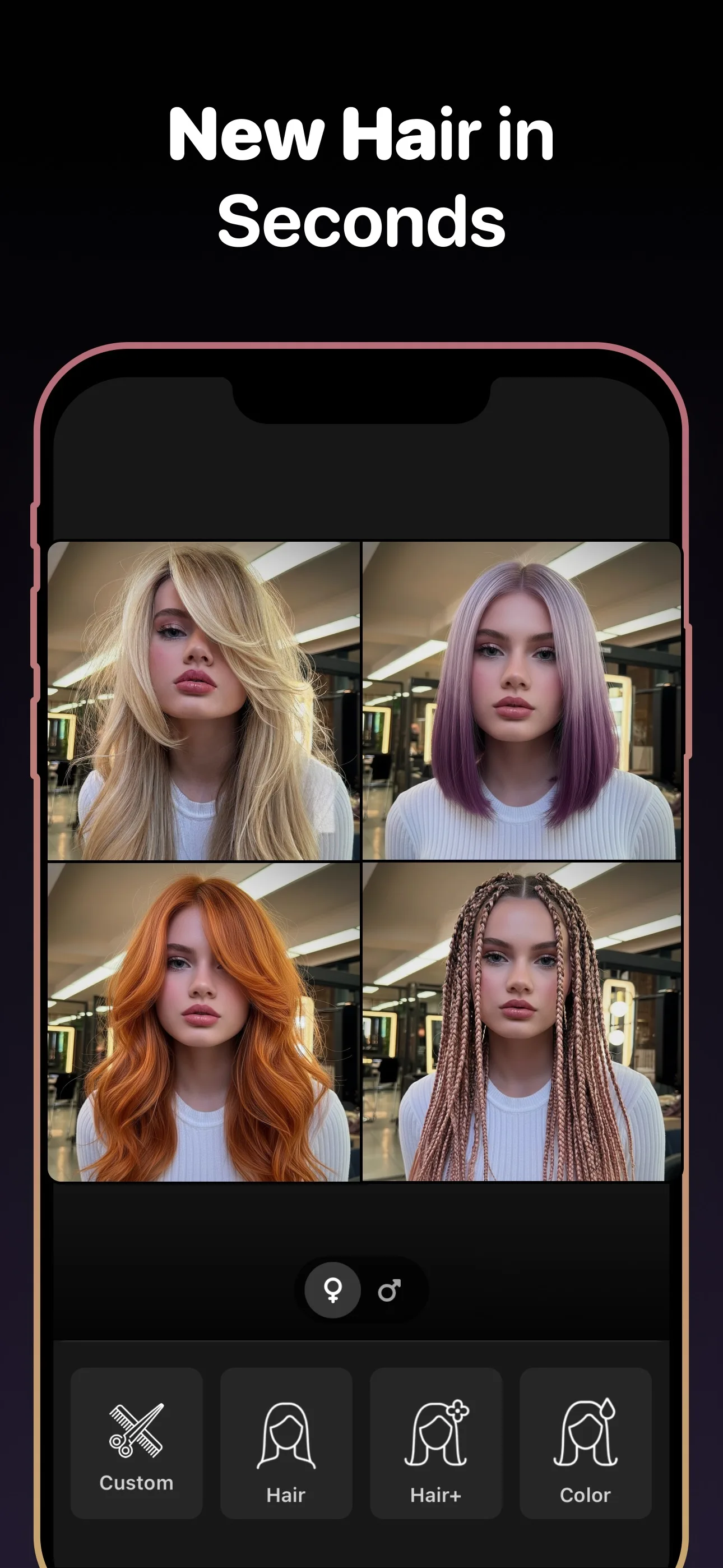
See the app before you try it
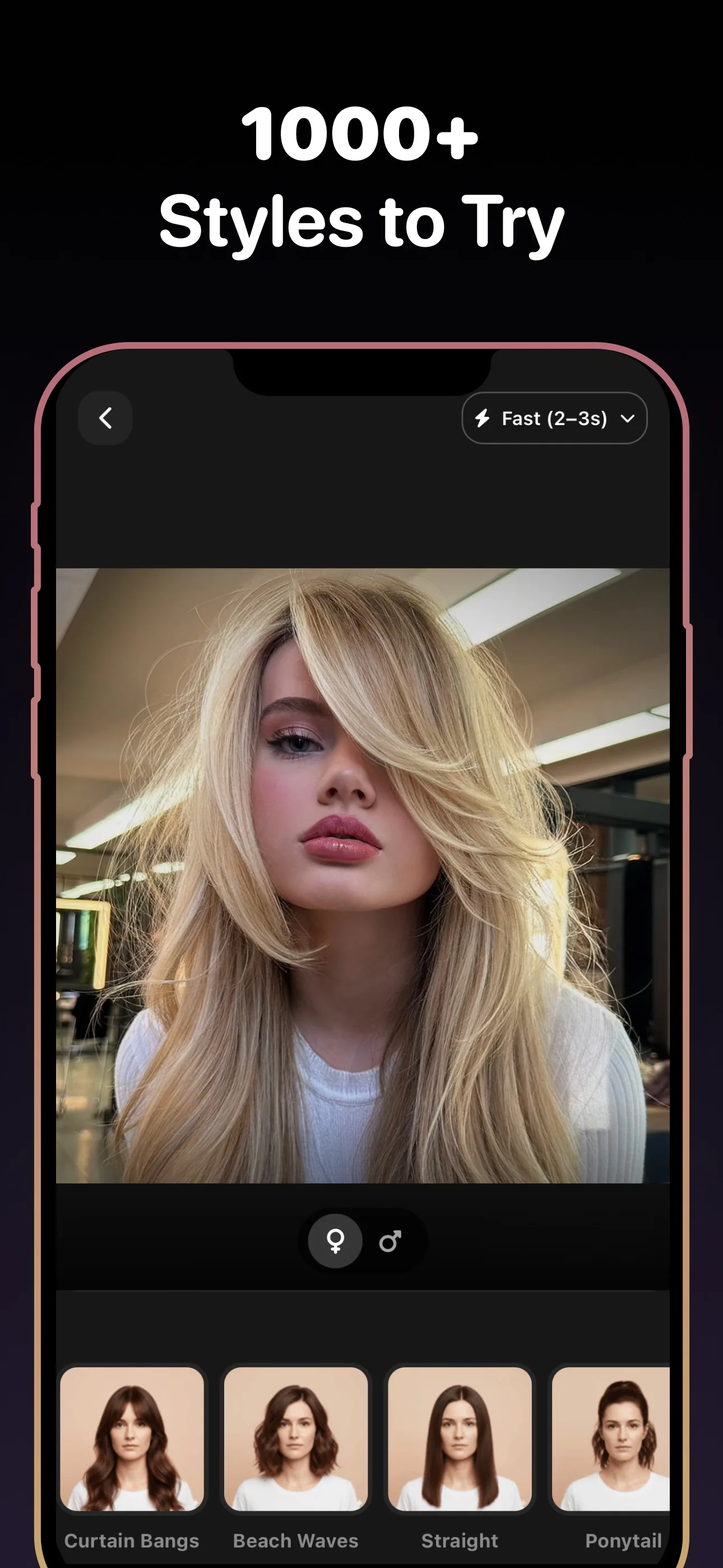
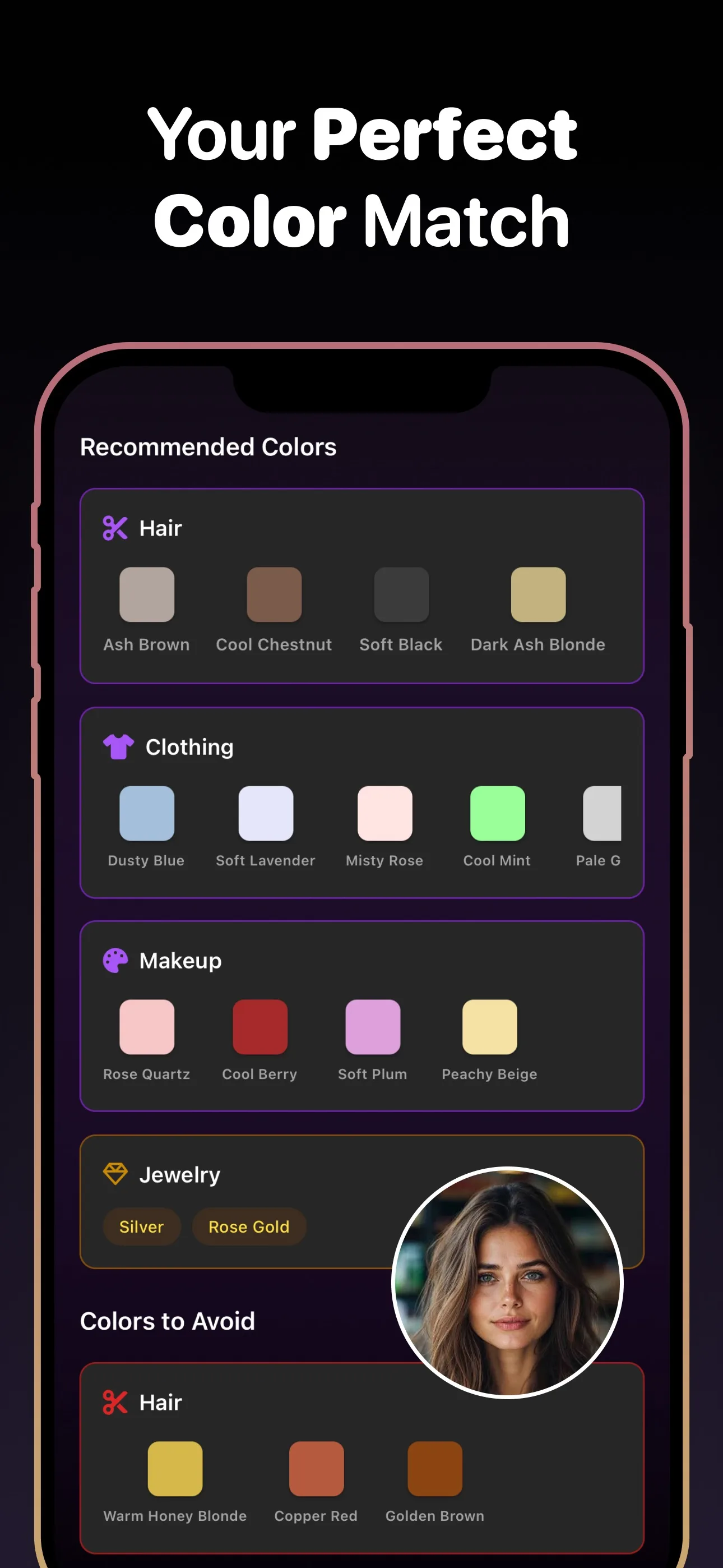
- Styles to try
- 89+
- Hair colors
- 50+
- To download
- Free
Use cases
Haircuts people simulate most often
- Taper Fade
- Crew Cut
- French Crop
- Soft Bob
- Layers
- Pixie
- Side Part
- Man Bun
Why it matters
What makes a haircut simulator useful
Side-by-side comparison
Generate several styles and compare them before deciding which one is worth taking to the salon.
Less ambiguity
A simulated haircut makes sure you and your barber are aiming at the same end result.
Better spending decisions
Testing styles first helps avoid costly cuts and corrections that do not fit your face.
What to know before you commit
A haircut simulator gives you a faster yes or no
Some styles look great in theory but feel wrong the second you see them on your own face. A haircut simulator compresses that decision process into seconds by letting you test the shape, volume, and overall vibe before you book the cut.
More useful than scrolling endless reference photos
Reference photos can still inspire you, but they do not answer the real question: will the haircut work on you? Simulating the cut on your own photo gives you a much clearer answer and makes the final choice easier.
Simulate length before you commit to short
Short cuts (buzz, crop, tight fade) are the highest-regret category because regrowth is slow. Run the simulator on your actual hairline and jaw first. If the short version only works in celebrity lighting, keep more length and test a medium option next.
Pair the simulation with face-shape context
A simulated French crop on a round face and the same crop on a square face read completely differently. After you find a cut you like, cross-check it against face-shape guidance or try the face-shape analyzer so the “yes” is structural, not just trendy.
Frequently Asked Questions
How does the haircut simulator work?
You upload a photo, choose a hairstyle, and the app simulates the cut on your face so you can review the result before making the change in real life.
Can I simulate hair color too?
Yes. Hairstyle AI supports both haircut simulation and hair color try-on in the same workflow.
Does it work for men and women?
Yes. The haircut simulator supports masculine, feminine, and gender-neutral styles across short and long hair.
Can I keep multiple haircut simulations?
Yes. Save different simulations and compare them later before choosing the one you want.
Use the haircut simulator free today
Try new hairstyles, hair colors, and beard styles on your photo — powered by AI. Free to download.
Scan to download
Point your phone camera at a code

