Simulate hairstyles before you change anything
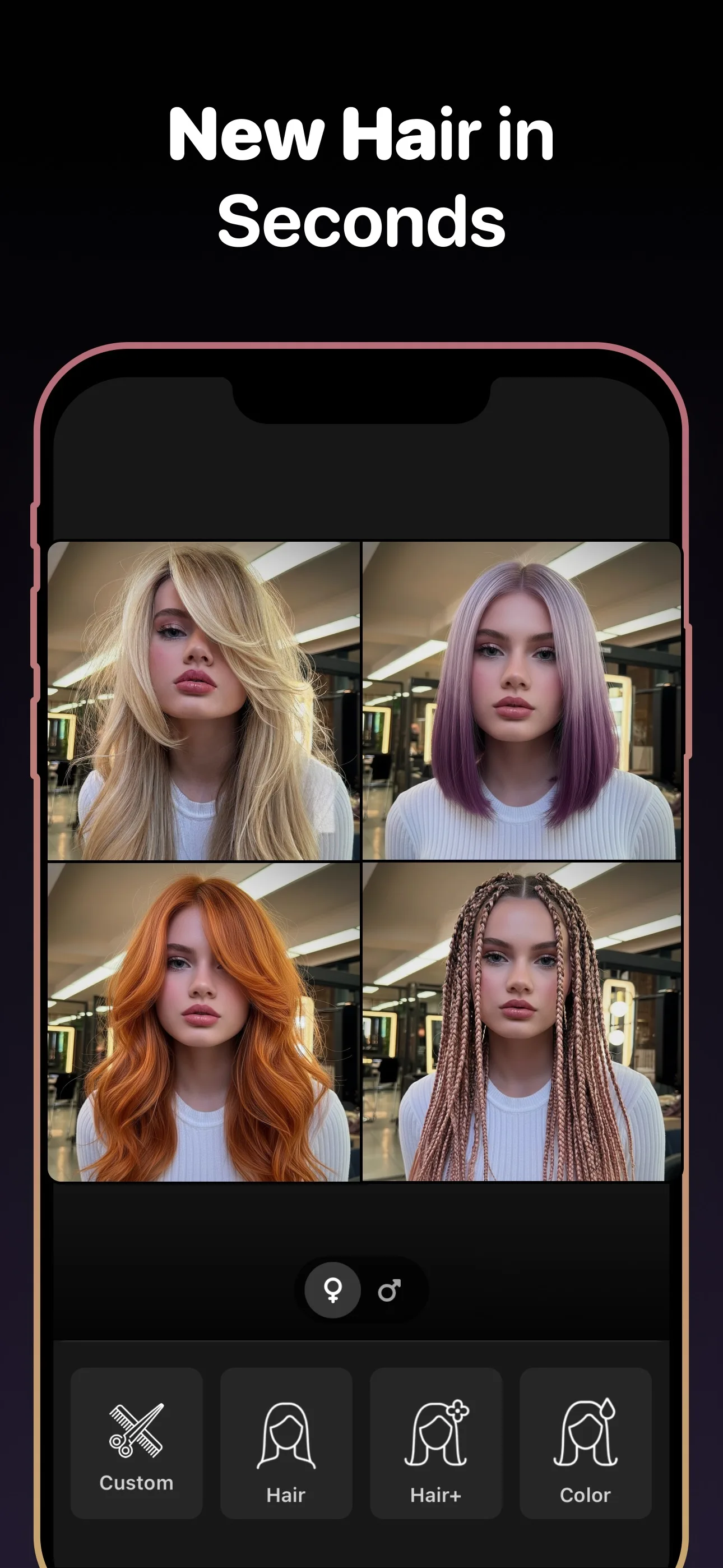
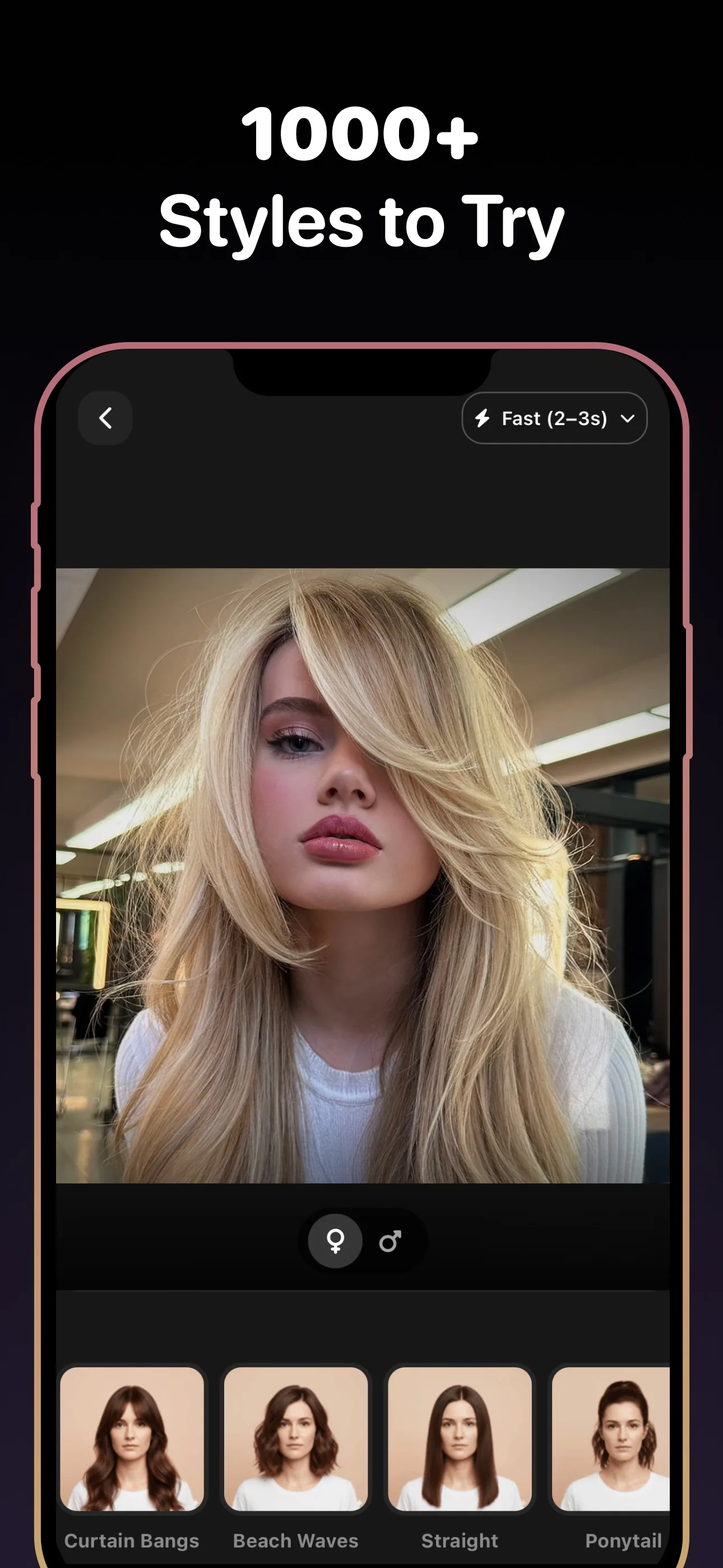
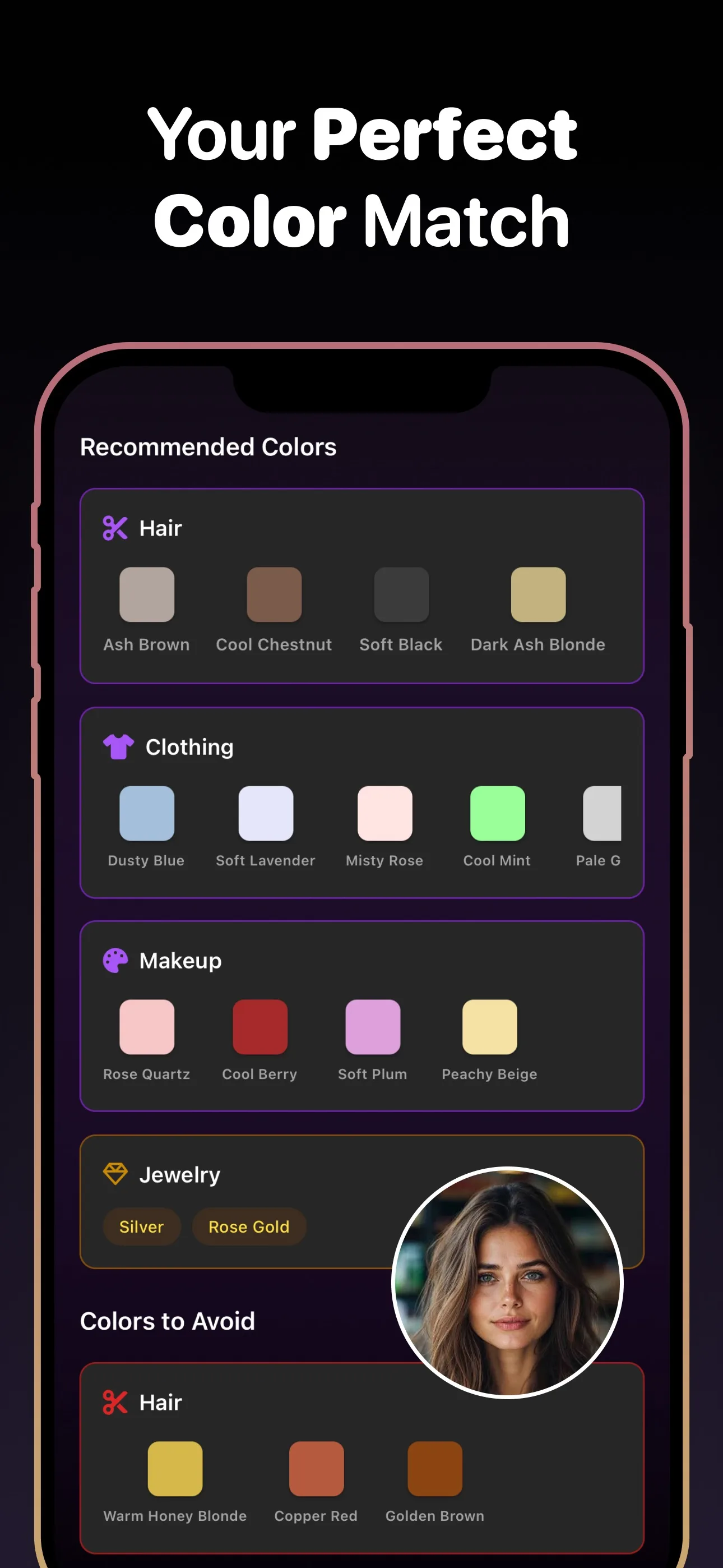
A hairstyle simulator helps when you are choosing between multiple looks, not just one trim. Compare cuts, color, texture, and even beard pairings before you commit.
- 89+
- Styles to try
- 30+
- Hair colors
- 4.8★
- App rating
- Free
- To download
Looks to test in the hairstyle simulator
Why a hairstyle simulator beats guesswork
More options in one place
You can test length, volume, color, and overall style direction without bouncing between different apps.
Stronger personal fit
The simulation is based on your own photo, which makes style choices feel more grounded and realistic.
Faster narrowing
It is easier to cut ten ideas down to two when you can actually see them on your face.
A hairstyle simulator is useful when the decision is bigger than one cut
Many people are deciding between entirely different directions: shorter or longer, softer or sharper, natural or bold color, clean-shaven or beard. A hairstyle simulator helps you compare those paths quickly instead of treating every change as a separate guess.
The best result is a short list, not one random style
The real win is narrowing the field. Generate several looks, remove the obvious misses, and carry the top choices into your salon appointment or the next round of experimentation.
Frequently asked questions
Frequently Asked Questions
Q1 What is the difference between a hairstyle simulator and a haircut simulator?
A haircut simulator usually focuses on the cut itself, while a hairstyle simulator can also include color, texture, and full-look combinations.
Q2 Can I simulate beard styles too?
Yes. Hairstyle AI lets you try beard combinations alongside hairstyles for a more complete preview.
Q3 Is the hairstyle simulator only for dramatic makeovers?
No. It is just as useful for small changes like adding bangs, softening layers, or adjusting beard shape.
Q4 Can I use it before a salon consultation?
Yes. It works well as a pre-consultation tool because it gives you a clearer visual direction to discuss.
Simulate hairstyles for free
Download Hairstyle AI and see this style on your photo in seconds.
No credit card. No signup. Just results.