Try bangs before you cut the fringe
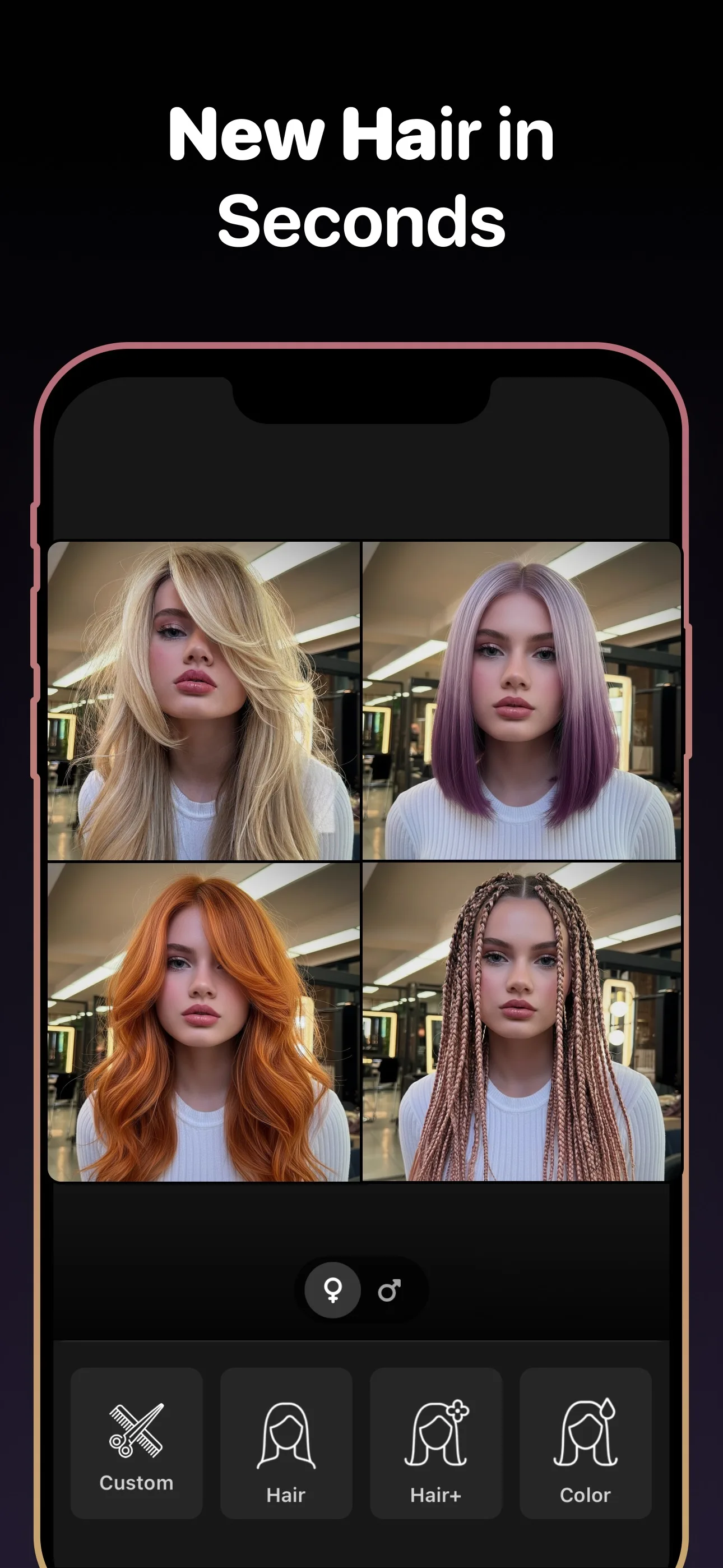
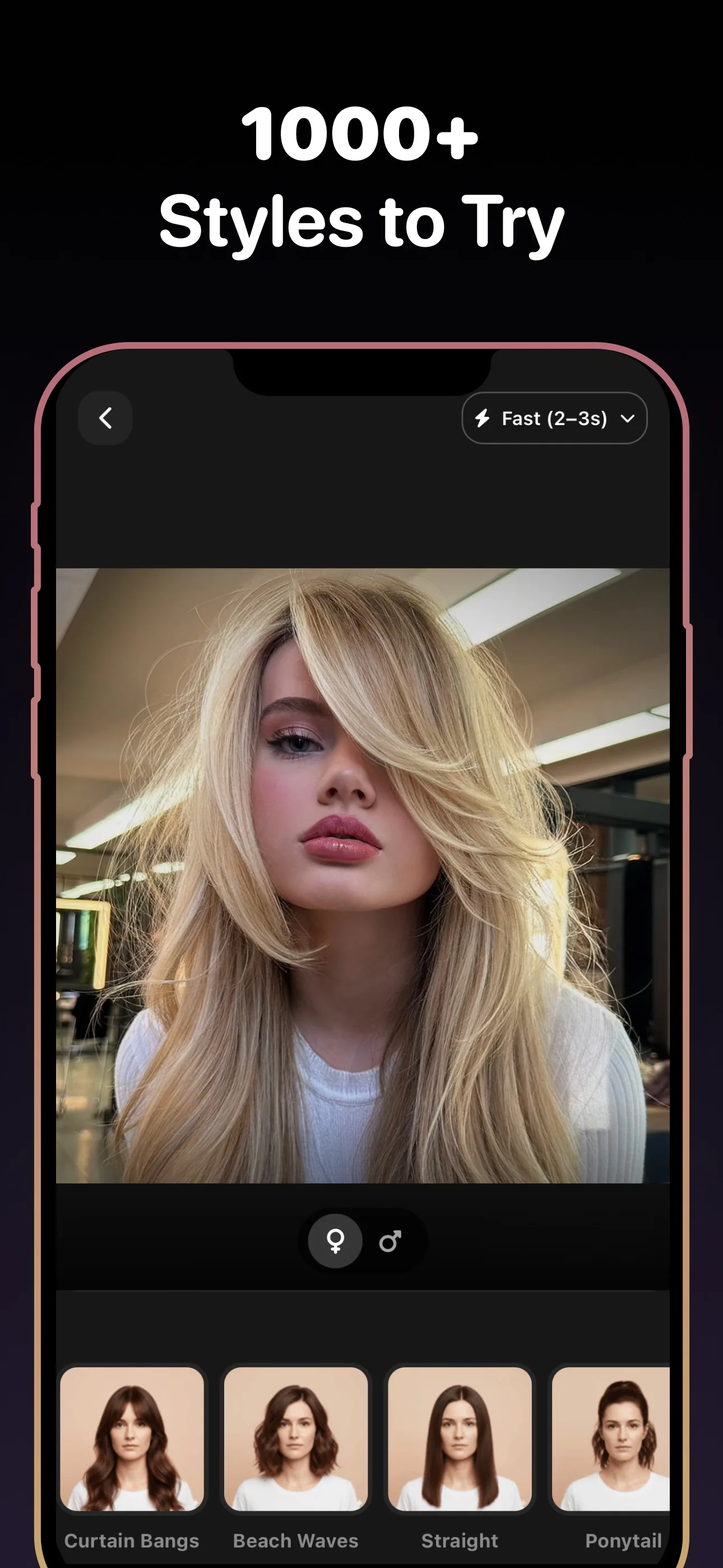
Bangs change your face framing instantly. Test curtain bangs, blunt fringe, side bangs, and softer variations on your own photo before you commit.
- 89+
- Styles to try
- 30+
- Hair colors
- 4.8★
- App rating
- Free
- To download
Bangs styles to preview
Why people want to try bangs first
Bangs are hard to picture
A fringe can completely change your face shape, and it is difficult to judge from someone else's photo.
Bangs grow slowly
If you dislike the result, you are living with it for a while. Previewing first reduces that risk.
Small differences matter
Curtain, blunt, wispy, and side bangs can feel completely different even when they sound similar.
Trying bangs first is one of the smartest preview use cases
Few hair changes affect face framing as quickly as bangs. Even a small fringe adjustment can change how your forehead, eyes, and cheekbones read. That makes a preview especially valuable before scissors touch the front of your hair.
Use the preview to choose the right kind of bangs
The goal is not just deciding yes or no on bangs. It is deciding which type fits you best. Testing curtain bangs against blunt or side-swept versions can quickly show which direction feels balanced on your face.
Frequently asked questions
Frequently Asked Questions
Q1 Can I really try bangs on my photo?
Yes. Upload a selfie and preview several bangs styles on your own face before you decide.
Q2 What types of bangs can I preview?
You can test curtain bangs, side bangs, blunt bangs, wispy bangs, and other fringe variations.
Q3 Is this better than a simple bangs filter?
Yes. The goal is to create a more useful, decision-ready preview instead of a quick novelty effect.
Q4 Can I save the bangs preview for my stylist?
Yes. Saving the best preview helps you explain exactly what kind of fringe you want.
Try bangs on your photo for free
Download Hairstyle AI and see this style on your photo in seconds.
No credit card. No signup. Just results.