Butterfly Cut — Maximum Volume, Minimum Effort
Cascading layers that flip outward like butterfly wings give oval faces dimension, movement, and effortless body.
Every 9 weeks
See the Transformation
Compare both looks in a single view
Upload your photo in the app to see your real transformation
Face Shape Guide
Slightly longer than wide — the most versatile
Add Volume Here: Anywhere
Balanced proportions mean almost any style works well.
Keep It Short Here: Extreme shapes
Very wide or very flat cuts break the natural harmony.
These are starting points — AI try-on shows you the real result on your actual face.
Why It Works
The butterfly cut features two distinct layer lengths — shorter face-framing layers that typically hit at chin to shoulder level, and longer layers that extend past the collarbone. When blown out, the shorter layers flip outward like butterfly wings, creating volume and width at the mid-face while the longer layers provide weight and movement below. On oval faces, this dual-length structure enhances the natural balance without distorting proportions. The face-framing layers add dimension around the cheekbones, and the longer layers prevent the style from looking too short or top-heavy. It is essentially a blowout built into the haircut architecture.
How to Style
- 01
Ask for two distinct layer lengths: face-framing at chin-to-shoulder and bottom 4-6 inches longer.
- 02
Blow-dry with a large round brush, flipping shorter layers outward.
- 03
Direct longer layers under or straight for contrast.
- 04
Apply volumizing spray at roots before blow-drying.
- 05
Finish with light-hold hairspray to maintain the flip.
The butterfly effect only appears with a round-brush blowout — without heat styling, the layers blend together and you lose the wing.
The butterfly cut depends on precise layer placement to achieve the wing effect. AI try-on lets you visualize whether the volume distribution and layer lengths work with your face shape before committing to a cut that takes months to grow out if the proportions are wrong.
"I tried 20 hairstyles before my salon appointment and found the perfect one."
— Jessica T.
Frequently Asked Questions
01. What is the difference between a butterfly cut and layers?
A butterfly cut specifically uses two distinct layer lengths that create a visible separation when styled — the shorter layers flip out while the longer ones hang straight. Standard layers blend gradually without the intentional gap that gives the butterfly cut its signature look.
02. Does the butterfly cut require daily styling?
The full butterfly effect requires blow-drying with a round brush, which takes 10-15 minutes. On off days, the layers still provide nice movement and volume even when air-dried — they just will not flip outward as dramatically.
03. How often does a butterfly cut need trimming?
Every 8-10 weeks to maintain the distinct layer separation. Without regular trims, the two layer lengths blend together and you lose the butterfly effect.
You Might Also Like
 Trending & Best-of
 Hairstyle by Face ShapeHairstyle by Face ShapeHairstyle by Face Shape
 Hairstyle by Face ShapeHairstyle by Face ShapeHairstyle by Face Shape
 Hairstyle by Face Shape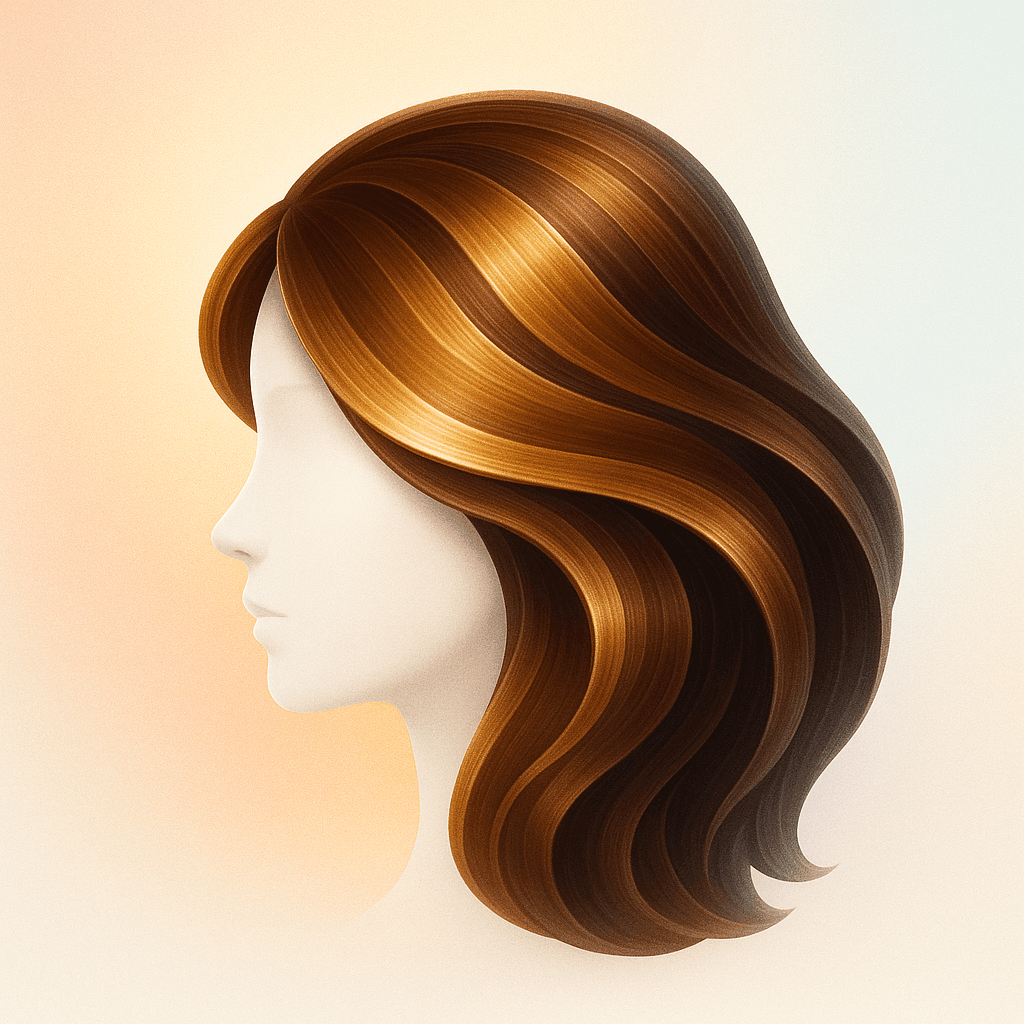
Ready to Try This Look?
Try Hairstyle AI free in your browser. No download needed.
No credit card. No signup. Just results.
Also available on iOS & Android