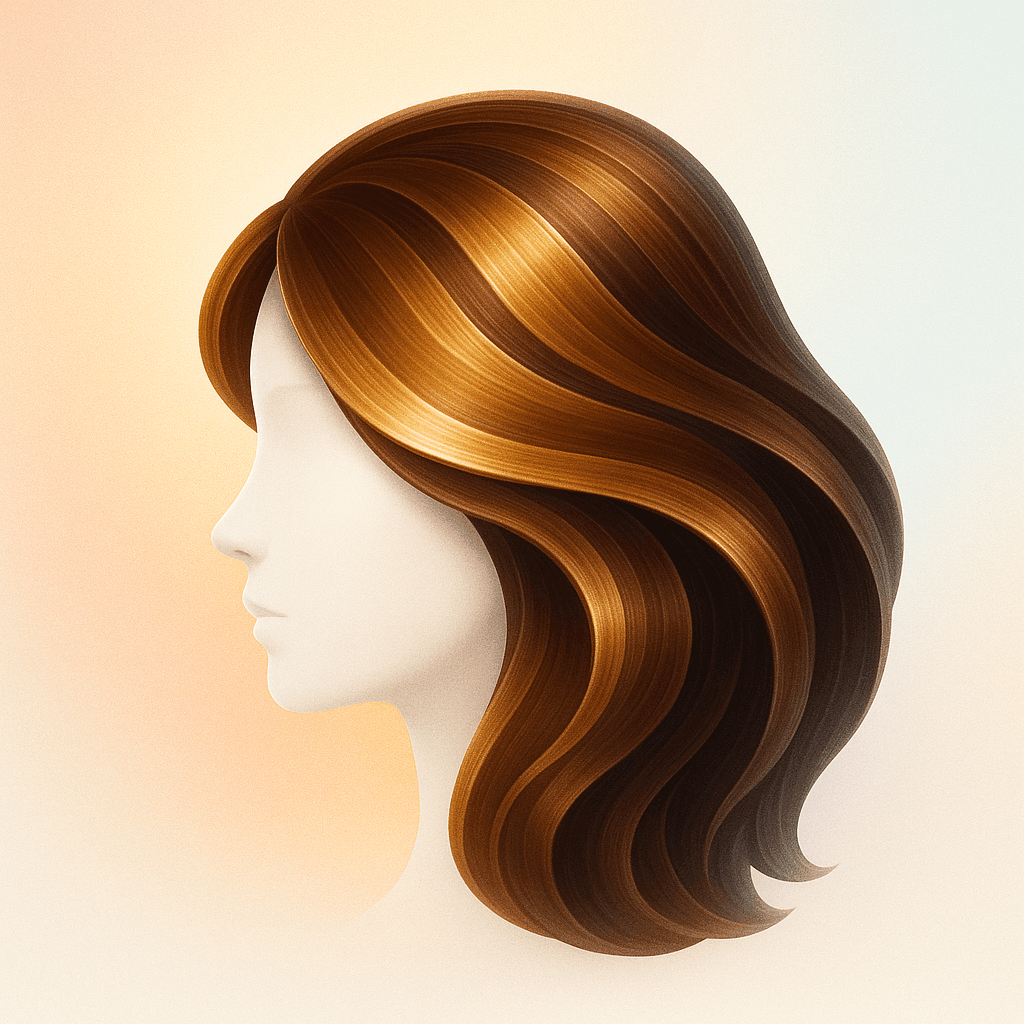
Write Better Gemini Hairstyle Prompts for Real Hair Previews
Use Gemini hairstyle prompts for AI hair previews. Get prompt ideas for haircuts, color, bangs, wolf cuts, extensions, beard pairings, and salon references.
People use Gemini hairstyle prompts when they want an AI image tool to show a new look, but vague prompts create vague hair. A prompt like "make my hair better" often misses length, texture, face framing, color tone, upkeep, and the real reason you are changing your style.
This page gives you a practical prompt framework for hairstyle previews. Use it to describe the haircut, color, texture, face shape goal, realism level, and salon context you want. Then compare the result inside Hairstyle AI or use the phrasing to get clearer outputs from Gemini-style image tools.
The strongest prompts are specific without becoming technical nonsense. They tell the model what should change, what should stay realistic, and what decision the preview needs to support.
Best for
- People searching for Gemini hairstyle prompts, AI haircut prompts, or hair color prompt examples
- Users trying to generate realistic hair previews instead of fantasy edits or beauty-filter results
- Salon planning for cuts, colors, bangs, wolf cuts, extensions, beard pairings, and headshots
How Hairstyle AI Helps
Prompt Structure
Build prompts around length, texture, color, face framing, realism, and use case.
Realism Guardrails
Keep skin, face shape, age, and identity stable so the hair preview remains useful.
Variant Planning
Ask for natural, trend-forward, and bold versions instead of one overconfident output.
Salon Translation
Turn prompt results into references a stylist can adapt to your real hair.
Salon planning examples
Haircut prompt
Ask for a specific length, layer pattern, face-framing goal, and realistic salon finish.
Color prompt
Describe tone family, depth, highlights, placement, and whether the result should be subtle or bold.
Decision prompt
Generate a safe version, a trend version, and a bold version so you can compare options.
Tips & Advice
- 1 Include your current hair length and the exact part of the style you want changed.
- 2 Use words like realistic, salon-ready, natural lighting, and keep my face unchanged.
- 3 For color, specify warm, cool, neutral, soft, dimensional, or high contrast.
- 4 For bangs and wolf cuts, mention fringe length, density, face framing, and layer intensity.
- 5 Generate several versions and choose the one you would actually maintain.
Related Styles to Try
Try Balayage Hair
Balayage gives you hand-painted, sun-kissed color that grows out beautifully. Preview the look on your own photo before your salon appointment.
Curtain Bangs for Oval Face
Curtain bangs are having a major revival. Preview how they look on an oval face with AI try-on before growing out or cutting in your fringe.
Textured Crop for Oval Face
The textured crop is practically made for oval faces. Preview short, medium, and long fringe versions with AI try-on to find your ideal style.
Try it yourself
The best way to decide is to see it on your own face. Upload a photo and preview styles, colors, and beard options — free on iOS and Android.
Frequently Asked Questions
01. What is a good Gemini prompt for hairstyles?
A good prompt names the haircut or color, keeps your face unchanged, specifies realism, and explains the decision you need to make, such as salon reference or low-maintenance version.
02. How do I prompt AI for realistic hair color?
Mention tone, depth, placement, and finish. For example, ask for a realistic warm brunette balayage with soft face-framing highlights and natural salon lighting.
03. Can prompts replace a dedicated hairstyle app?
Prompts can help, but a dedicated hairstyle workflow is easier for comparing multiple cuts, colors, and saved references without rewriting instructions each time.